
Special Units
Jump To: Integrated Unit | Logo Burn | Countdown Clock
ALL MATERIALS NEED TO BE SUBMITTED AT LEAST THREE BUSINESS DAYS BEFORE LAUNCH TO GUARANTEE TIME TO LOAD, TEST, AND ADDRESS ANY UNFORESEEN ISSUES.
New Interactive Units
Expandable Desktop Units
Dimensions: Starts at 970×250, and expands to 970×500 on user interaction.
Formats – Static image, animated image or third party tag/HTML (can contain video)
Sample 1: Suffs – Click for Interactive Preview
Desktop – Pushdown Unit
Formats – Responsive, can be static image, animated image or third party tag/HTML (can contain video)
Dimensions: 2450×600
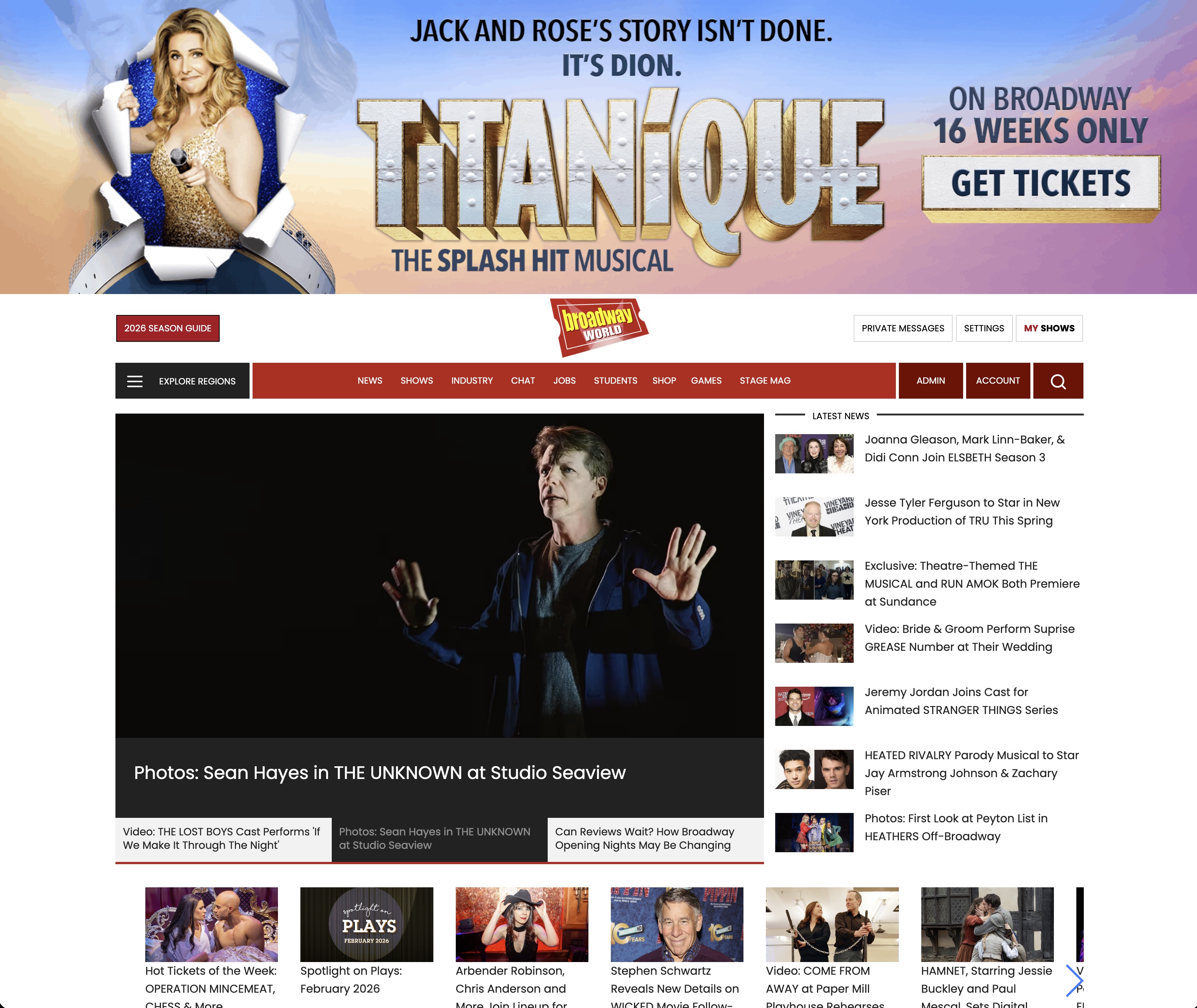
Interactive previews:
Sample 1 – Click for Interactive Preview
Integrated Feature Unit
This unit should be a 680×200 iFrame. However, we can also take it as regular, fully-integrated third party banner tag, if that's easier.
This unit must be interactive and feature rich, it should include a feature that makes it unique from a traditional banner. This unit should also be responsive so that it displays across all devices.
This placement is designed for a unit that is as interactive as possible, whether that is incorporating live messages for your social media feeds, special video, exclusive posts, etc.

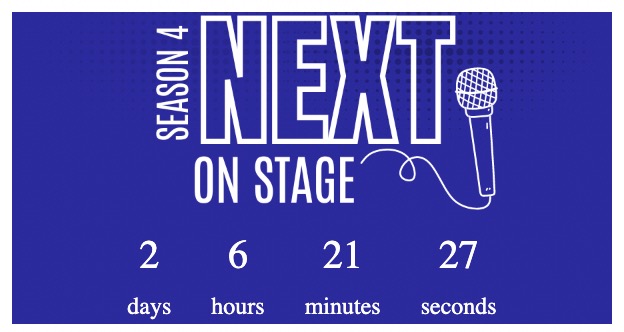
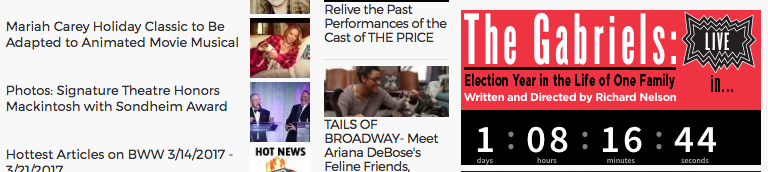
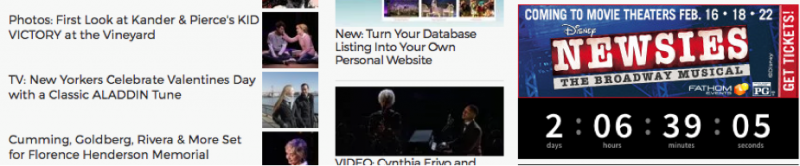
Countdown Clock
This unit is generally comprised of a 300×100 banner, either as a tag or image and link, and a standard countdown clock. BWW will upload the clock separately.
However, if you would like to build a custom clock into the banner, the entire unit (banner and clock) should be 300×200.
In both cases, the banner should include copy about what the clock is counting down.
Logo Burn
Logo burns incorporate a show, client, or event's logo into the traditional BroadwayWorld logo found in the top left corner of all BWW pages.
For this, we require a static, transparent .png for this placement. See examples below.

Below Article Unit

|
||||||
|
|

|

|

|
|
|